Planning cinematic AI video shots means deciding what each shot must communicate before you generate any footage. Start with the scene’s dramatic change, divide it into visible beats, choose only the coverage an editor needs, and record each shot’s framing, action, continuity, and connection to the next shot.
This planning stage is different from prompt writing or video generation. It creates a production map that helps every generated clip serve the same scene instead of becoming an isolated cinematic image.
What Makes an AI Video Shot Plan Cinematic?
A cinematic shot plan is not a list of dramatic camera terms. It is a sequence of visual decisions that controls what the audience knows, feels, and expects.
Every planned shot should answer three questions:
- What changes during this shot?
- Why does the audience need to see it?
- How will it connect to the shots before and after it?
For example, “close-up of a worried woman” describes an image. “Close-up as Lena recognizes the signature on the contract and hides her reaction from Daniel” describes a story beat. The second version gives the actor, camera, and editor a clear purpose.
This article focuses on decisions made before generation. For the complete process of generating, reviewing, correcting, and assembling clips, use the practical AI shot generation workflow.
Begin With the Scene’s Dramatic Change
Do not start by choosing a wide shot, close-up, or camera movement. First identify what is different at the end of the scene.
A scene may change because:
- A character discovers information.
- A relationship shifts.
- A plan succeeds or fails.
- A hidden object is revealed.
- A character makes a decision.
- A new threat enters the story.
Write the change in one sentence:
Lena enters the hotel office expecting to sign a contract, discovers that Daniel arranged the deal under a false identity, and decides not to reveal what she knows.
Use this sentence as a filter. Keep only shots that establish the situation, reveal the evidence, show Lena’s response, conceal her decision, or move the scene toward its exit.
Divide the Scene Into Visible Story Beats
A script can combine dialogue, thought, action, and emotion inside one paragraph. A shot plan must convert that material into moments the audience can see.
For the hotel-office example, the visible beats are:
- Lena enters and sees Daniel waiting.
- Daniel presents the contract.
- Lena notices a familiar signature.
- She realizes Daniel used a false identity.
- Daniel watches for her response.
- Lena hides her reaction and signs.
- She leaves with a new private objective.
These are story beats, not yet shots. Separate the changes in information and emotion before selecting coverage. Turn internal thoughts into visible evidence:
- Her eyes stop on the signature.
- Her hand tightens around the pen.
- She looks at Daniel, then lowers her gaze.
- Her expression returns to neutral before she signs.
For a deeper method of translating written scenes into visual panels, read How to Turn a Script Into AI Storyboards for Short Drama.
Choose the Minimum Coverage the Edit Needs
More shots do not automatically make a scene cinematic. Plan the minimum coverage needed to make it clear and editable.
Establish the Space
Use an establishing shot when the audience needs to understand the location, character positions, entrances, exits, or an important object. If the hotel office is already familiar, begin on the contract sliding across the desk instead of repeating a wide shot.
Cover the Main Interaction
A stable two-shot or medium master can preserve the complete exchange and its spatial relationships.
For a dialogue scene, additional coverage may include:
- One angle for Lena
- One reverse angle for Daniel
- One close-up for the decisive emotional change
- One reaction shot
- One insert of the signature
Change the framing when the story pressure changes, not for every line.
Protect the Reveal
Important information may need a separate insert or close-up. Plan the information and reaction separately:
- The audience sees the signature.
- The audience sees Lena understand it.
For more detail on matching framing and movement to emotional purpose, use the guide to AI camera shots and movements for short drama scenes.
Build a Production-Ready Shot List
A useful shot list records decisions that affect generation, continuity, and editing. It should be specific enough to guide production without turning into a long prose prompt.
Use this template:
| Field | Planning question |
|---|---|
| Episode / scene / shot | Where does the shot belong? |
| Story purpose | What must the audience understand or feel? |
| Subject | Who or what is the visual focus? |
| Action | What single visible action occurs? |
| Framing | How much of the subject and location should be visible? |
| Camera | Is the frame static, or does one movement have a clear purpose? |
| Continuity | Which character, wardrobe, prop, lighting, and screen-direction details must remain stable? |
| Start and end state | What is visible at the beginning and what changes by the end? |
| Edit connection | What shot comes before and after this one? |
Here is one completed entry:
| Field | Example |
|---|---|
| Episode / scene / shot | E01 / S04 / SH03 |
| Story purpose | Reveal the signature that exposes Daniel’s false identity |
| Subject | Contract and Lena’s right hand |
| Action | Her pen stops directly above the signature |
| Framing | Insert shot from Lena’s side of the desk |
| Camera | Static |
| Continuity | Same black fountain pen, cream contract paper, warm desk light |
| Start and end state | Pen moves toward the page, then stops |
| Edit connection | Daniel presents contract → signature insert → Lena reaction |
The completed entry is easier to evaluate than “cinematic contract reveal.” It defines what the shot contributes and how the edit will use it.
Plan Shots That AI Video Can Control
A shot plan should respect the limits of generation. Several simultaneous actions, changing environments, and multiple camera moves are harder to control.
Before approving a shot, simplify it:
- Give the shot one primary story purpose.
- Use one main character action.
- Use one primary camera idea.
- Separate an information insert from an emotional reaction.
- Divide long movement into clear start and end states.
- Avoid changing location, wardrobe, or time of day inside one short shot.
- Plan difficult actions as several editable shots rather than one uninterrupted take.
Consider this overloaded plan:
Lena reads the contract, realizes Daniel lied, stands, walks around the desk, confronts him, tears the contract, and leaves while the camera circles both characters.
A more controllable sequence is:
- Insert: Lena sees the signature.
- Close-up: her hand stops.
- Reaction: she looks toward Daniel.
- Reverse shot: Daniel studies her expression.
- Medium shot: Lena calmly signs the contract.
- Insert: she closes the folder.
- Tracking shot: she exits while Daniel remains seated.
The result is not less cinematic. It gives each dramatic change a clear frame and gives the editor control over timing.
Protect Continuity Before Generation
Continuity problems often begin in planning. If the shot list does not specify what must remain stable, each generation can make a different decision.
Record the continuity details that matter for the scene:
- Character version and wardrobe
- Location and time of day
- Important props
- Character position
- Eyeline and screen direction
- Lighting direction
- Emotional state at the start of the shot
- Object state before and after an action
If Lena sits on screen left and looks toward Daniel on screen right, the reverse angle should normally preserve that relationship. If the contract is closed in one shot and open in the next, the plan should explain when that change occurs.
Do not repeat an entire character biography in every row. Reference an approved character or location asset, then add only the details specific to the shot. The guide to keeping AI characters and scenes consistent across shots explains how reusable references support this process.
Review the Sequence Before Writing Prompts
Read the shot list from beginning to end before generating anything.
Use this pre-generation review:
- Can the audience understand the scene without reading the script?
- Does every shot introduce information, emotion, action, or a necessary edit connection?
- Is the most important beat visually emphasized?
- Are there enough reactions and inserts to control pacing?
- Are any two shots doing the same job?
- Does every shot have one manageable action?
- Are screen direction and character positions consistent?
- Are important props and wardrobe states recorded?
- Is there a usable transition into and out of the scene?
Remove duplicate coverage before generation. Add a shot only when the sequence lacks necessary information or an edit option.
Once the plan works, convert each row into a focused instruction. The guide to writing better AI video shot prompts covers subject description, action, composition, camera direction, lighting, and continuity anchors.
How Drama Pilot Supports Shot Planning
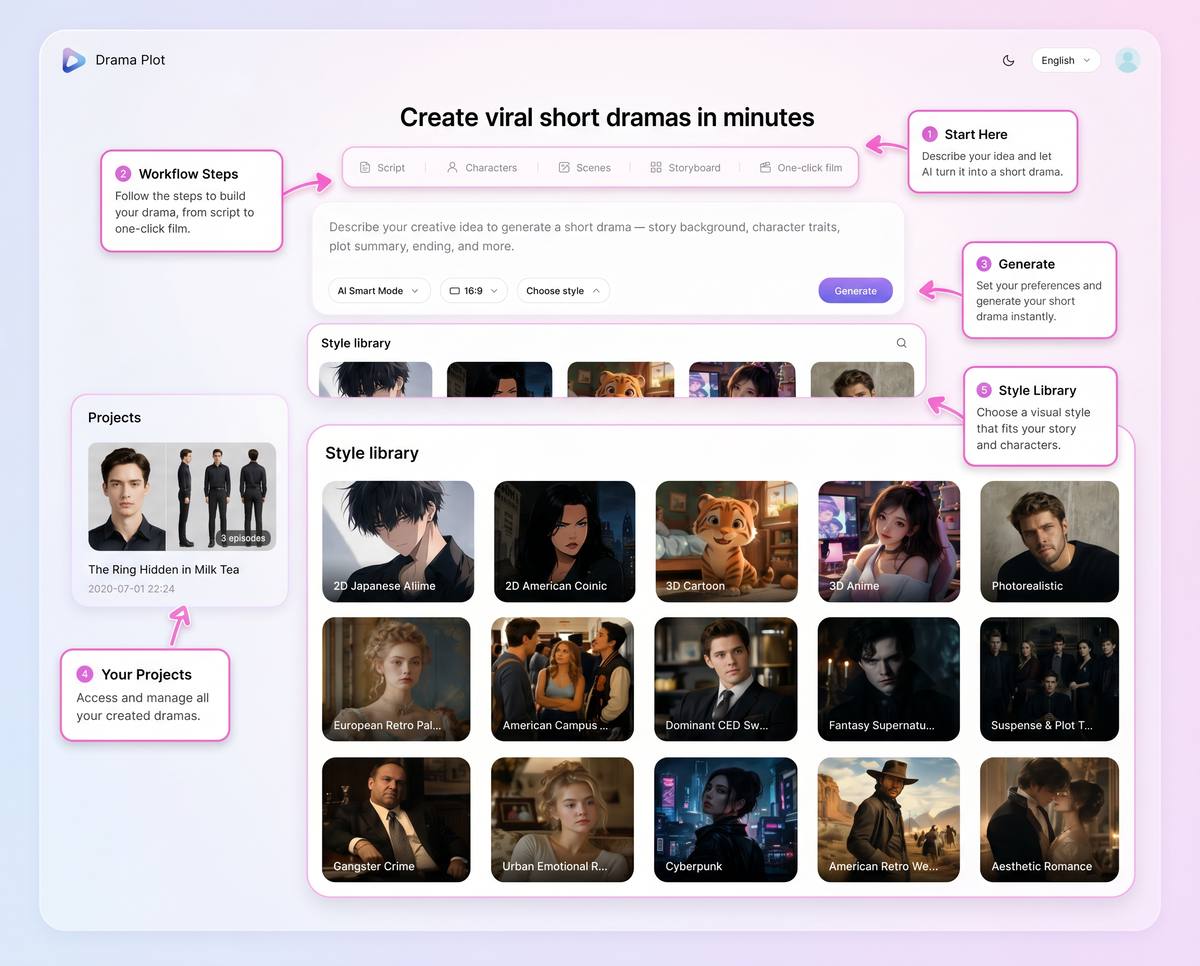
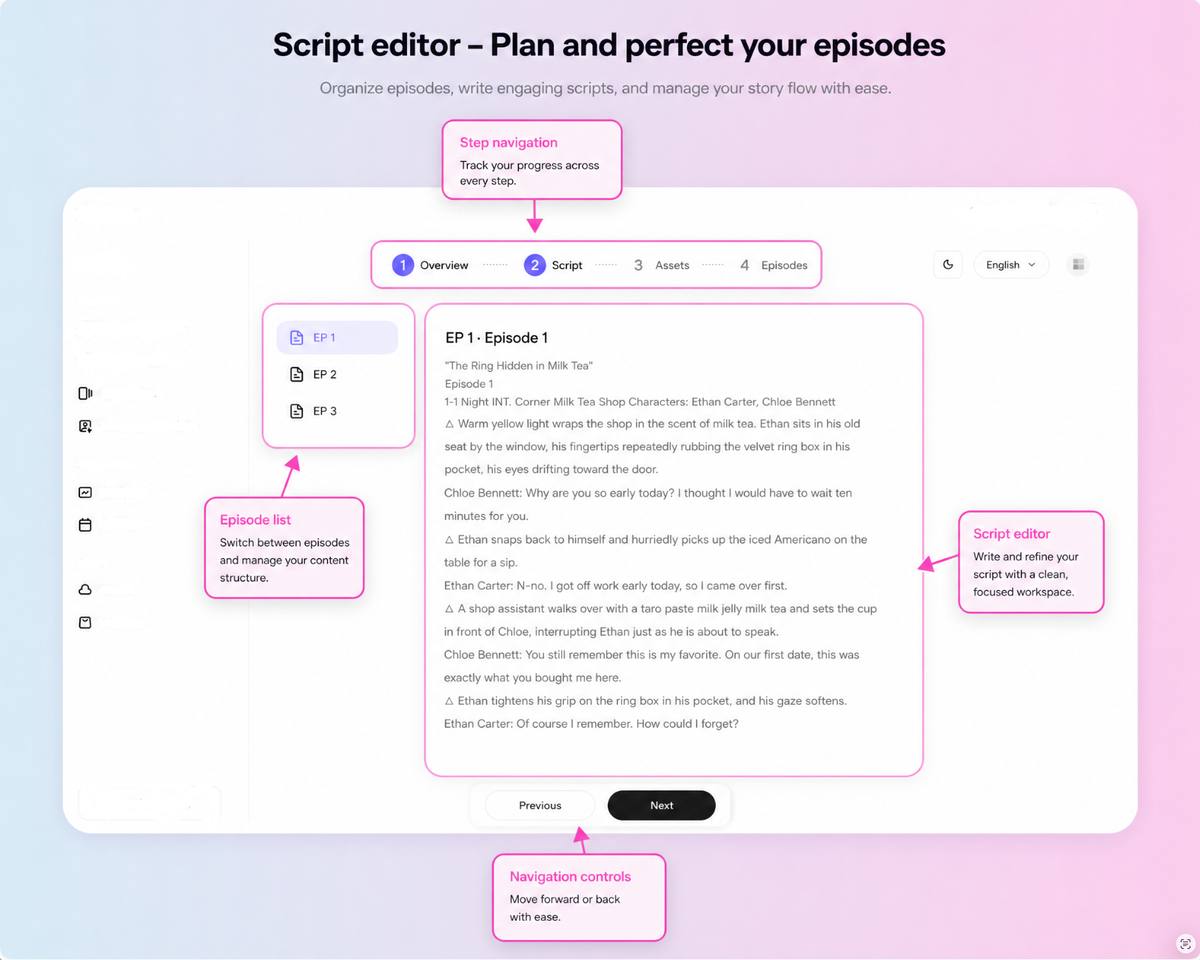
Drama Pilot connects episodic scripts, recurring characters and scenes, storyboards, shot-level direction, generated clips, and episode assembly inside one production workflow.
Creators can keep a planned shot connected to its episode, scene, character references, location, framing, camera movement, lighting, and key visual moments. This matters because a cinematic shot is not an isolated image. It is one controlled part of a longer dramatic sequence.
Creative judgment is still required. The system can organize production information and support shot-level controls, but the creator must decide which moment deserves emphasis, when the audience should receive information, and which coverage the final edit needs.
Frequently Asked Questions
How many shots should a short drama scene have?
There is no fixed number. Use enough shots to establish the situation, show the important actions and reactions, reveal necessary information, and give the editor usable connections. Remove shots that repeat the same story purpose.
Should every AI video shot include camera movement?
No. Static framing is often useful for dialogue, reactions, inserts, and continuity-sensitive moments. Add movement only when it follows action, reveals information, or changes emotional pressure.
What should I plan before writing an AI video prompt?
Define the shot’s story purpose, subject, single action, framing, camera behavior, continuity requirements, start and end state, and edit connection. Prompt writing should translate those decisions rather than invent them from scratch.
What is the difference between a storyboard and a shot list?
A storyboard visualizes composition and sequence through panels or key images. A shot list records the production details required to create and edit each shot. They work together: the storyboard shows the visual plan, while the shot list makes the plan operational.
Can Drama Pilot choose every cinematic shot automatically?
Drama Pilot can support storyboard and shot-level production decisions, but creators still need to judge story emphasis, performance, pacing, and whether the planned coverage communicates the intended dramatic change.
Final Takeaway
To plan cinematic AI video shots, begin with the scene’s dramatic change, divide it into visible beats, choose the minimum useful coverage, and record every shot’s purpose, action, framing, continuity, and edit connection.
Do this work before prompt writing and generation. A clear plan reduces duplicate coverage, protects continuity, and turns separate AI video clips into an editable dramatic sequence.